
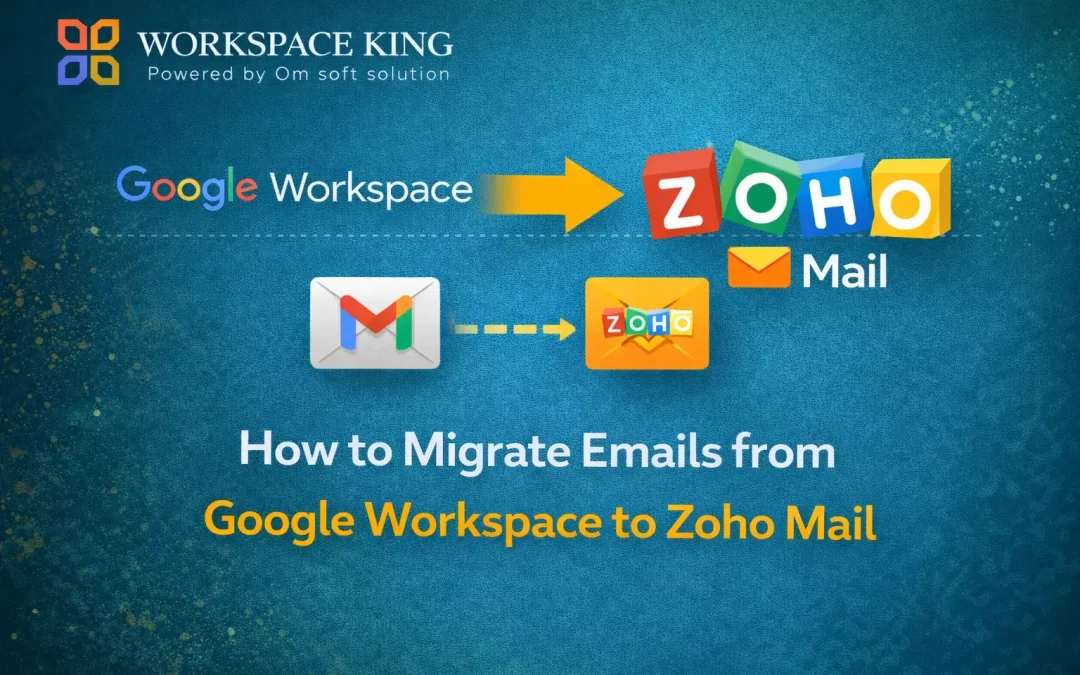
Migrating your business emails from Google Workspace to Zoho Mail is easier than you might think if you follow the right steps. Proper planning ensures no data loss, zero downtime, and a smooth transition for your team.
Step 1: Set Up Your Zoho Mail Account
Create a Zoho Mail account and verify your domain to prepare for migration.
Step 2: Add Users in Zoho Mail
Create user accounts in Zoho Mail that correspond to your Google Workspace users. This ensures all emails are properly mapped.
Step 3: Enable Google Workspace API Access
Grant Zoho secure access to Google Workspace so emails, attachments, and folders can be migrated safely.
Step 4: Start the Email Migration
Begin migrating emails from Google Workspace to Zoho Mail. The migration tool transfers emails along with their labels, folders, and attachments.
Step 5: Update MX Records
Change your domain’s MX records to Zoho Mail to make it the primary email platform. New incoming emails will now be delivered to Zoho.
Step 6: Final Sync and Verification
After migration, verify that all emails, attachments, and folders are intact. Test sending and receiving emails to ensure everything works correctly.
Tips for a Smooth Migration
- Migrate during off-peak hours or weekends
- Clean unnecessary emails before migration
- Consider a phased migration for large teams
- Backup all data before starting
Why Choose Workspace King?
Workspace King provides expert support to make your migration fast, secure, and hassle-free:
- Zero downtime email migration
- Secure transfer of emails, attachments, and contacts
- Option to migrate selected users first
- Expert technical support at every step
With Workspace King, your Google Workspace to Zoho Mail migration is smooth, safe, and efficient.
Conclusion
Migrating emails from Google Workspace to Zoho Mail can be simple and stress-free when planned carefully. By following the right steps—setting up Zoho Mail, adding users, enabling API access, migrating emails, updating MX records, and verifying data—you can ensure a secure, zero-downtime migration.
With Workspace King, businesses get expert guidance, secure data transfer, and optional phased migration, making the process smooth and efficient. Whether you’re moving a few users or your entire organization, Workspace King ensures a seamless transition to Zoho Mail, keeping your operations uninterrupted and your data safe.