
Email security is not just about strong passwords. Many businesses face problems like email spoofing, phishing, and emails going to spam. This usually happens when email authentication is not set up correctly.
That’s where SPF, DKIM, and DMARC come in. Don’t worry — they sound technical, but they are actually very easy to understand. In this blog, we’ll explain SPF, DKIM & DMARC in simple language and how they help Zoho Mail protect your business emails.
Why Email Authentication Is Important
Without proper authentication:
- Hackers can send fake emails using your domain
- Your emails may land in spam
- Customers may lose trust in your brand
Zoho Mail supports SPF, DKIM, and DMARC to prevent all this and keep your email delivery smooth and secure.
What Is SPF? (Sender Policy Framework)
SPF tells the world who is allowed to send emails from your domain.
In simple words:
SPF says, “Only these servers can send emails using my domain name.”
How SPF Helps
- Prevents email spoofing
- Stops unauthorized email sending
- Improves email delivery
SPF is added as a TXT record in your domain’s DNS.
What Is DKIM? (DomainKeys Identified Mail)
DKIM adds a digital signature to your emails.
In simple words:
DKIM proves that your email was not changed while being delivered.
How DKIM Helps
- Verifies email authenticity
- Protects email content
- Builds trust with email servers
Zoho Mail provides a DKIM key that you add to your domain DNS.
What Is DMARC? (Domain-based Message Authentication)
DMARC tells email servers what to do if SPF or DKIM fails.
In simple words:
DMARC says, “If an email looks fake, reject it or mark it as spam.”
How DMARC Helps
- Blocks phishing emails
- Protects your brand reputation
- Gives reports about email misuse
DMARC also improves inbox placement when configured correctly.
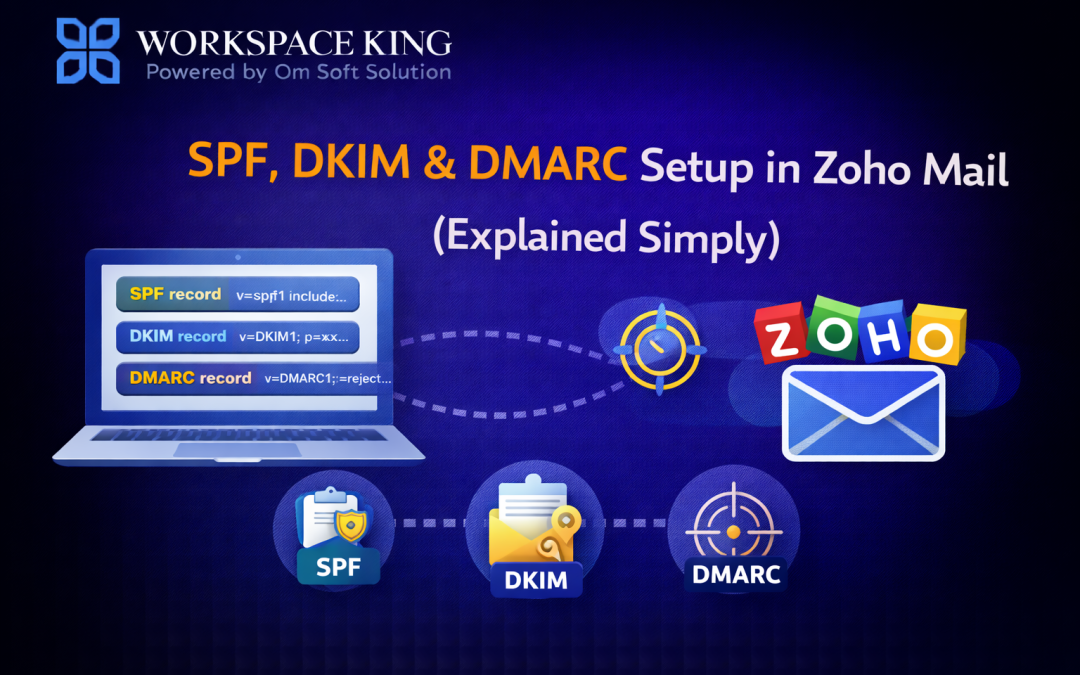
How SPF, DKIM & DMARC Work Together
Think of it like this:
- SPF → Who is sending the email
- DKIM → Email is original and not altered
- DMARC → What action to take if something looks wrong
When all three are set up, your Zoho Mail becomes highly secure and trusted.
Is It Hard to Set Up in Zoho Mail?
Not at all. Zoho Mail provides:
- Step-by-step DNS values
- Clear instructions
- Admin dashboard support
However, DNS mistakes can cause email issues — that’s why many businesses take expert help.
How WorkspaceKing Helps
- At WorkspaceKing, we help businesses with:
- Complete SPF, DKIM & DMARC setup
- DNS verification without downtime
- Spam & deliverability improvement
- Secure Zoho Mail configuration
We make sure your emails reach the inbox, not spam.
Final Thoughts
SPF, DKIM & DMARC are must-have security settings for any business using Zoho Mail. They protect your domain, improve email delivery, and build trust with customers.
If you want stress-free and correct setup, WorkspaceKing is here to help.