
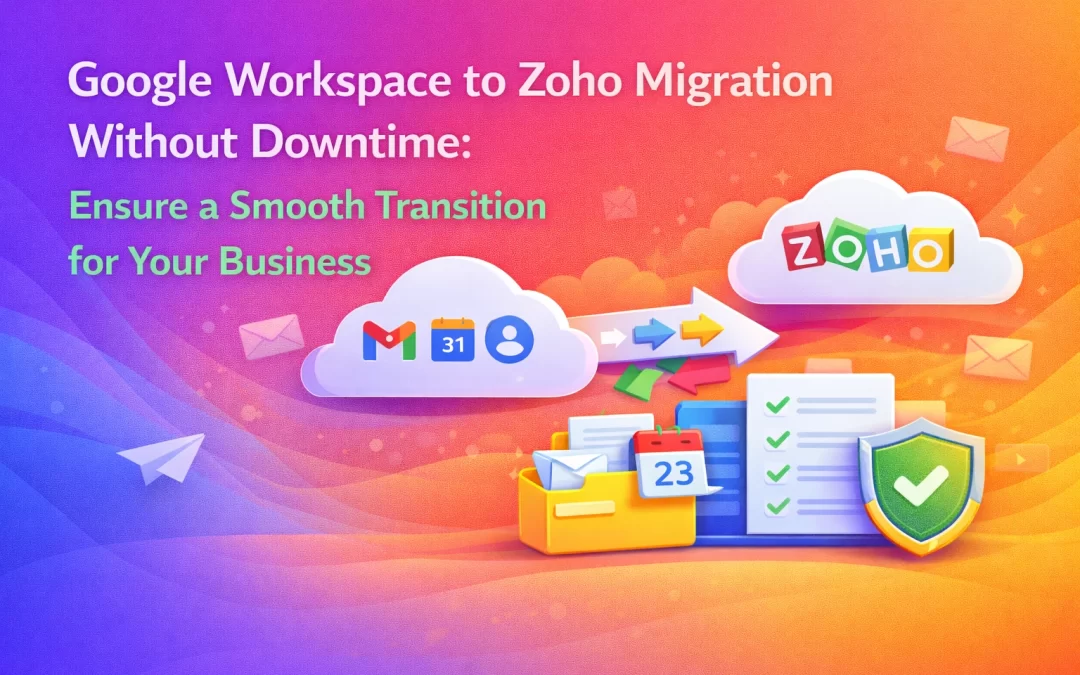
Switching business email platforms can feel risky — especially when your daily communication depends on it. Many businesses hesitate to move away from Google Workspace because they fear email downtime, data loss, or work disruption.
The good news?
With the right planning and expert support, Google Workspace to Zoho Mail migration can be done without downtime. In this blog, we explain how to ensure a smooth, secure, and interruption-free transition for your business.
Why Businesses Are Moving from Google Workspace to Zoho
In 2026, more businesses are switching to Zoho because of:
✔ Lower cost compared to Google Workspace
✔ Strong email security & privacy
✔ Ad-free professional email
✔ Flexible plans for growing teams
✔ Better control over data
Zoho Mail offers everything a business needs — without the high recurring cost.
What “Without Downtime” Really Means
A zero-downtime migration means:
- Your old Google Workspace email keeps working during migration
- No missed or bounced emails
- Team continues sending and receiving emails normally
- Final switch happens only when everything is ready
This approach ensures business continuity at all times.
Step-by-Step: Google Workspace to Zoho Migration Without Downtime
✅ 1. Pre-Migration Planning
Before migration starts:
- Zoho Mail account is created
- Domain is added and verified
- Users are prepared in Zoho Mail
No changes are made to Google Workspace yet.
✅ 2. Secure Email Data Migration
Emails are migrated from Google Workspace to Zoho Mail using secure migration tools:
- All folders and labels are transferred
- Attachments remain intact
- Historical emails are safely copied
Google Workspace continues to run in parallel.
✅ 3. MX Record Switch at the Right Time
Once migration is complete and verified:
- MX records are updated to Zoho Mail
- New emails start arriving in Zoho
- Old Google emails remain accessible
This step is carefully timed to avoid downtime.
✅ 4. Security Configuration After Migration
Post-migration setup includes:
- SPF, DKIM & DMARC configuration
- Spam & phishing protection
- Two-Factor Authentication (2FA)
This improves email deliverability and domain reputation.
✅ 5. Testing & Final Verification
Before going fully live:
- Test emails are sent and received
- Inbox delivery is verified
- User access is confirmed
Only after successful testing is Google Workspace fully phased out.
Data Safety & Security During Migration
Zoho Mail migration is:
✔ Encrypted
✔ Secure
✔ Non-destructive
Your original data remains untouched in Google Workspace until migration is confirmed.
How WorkspaceKing Ensures a Smooth Migration
At WorkspaceKing, we specialize in zero-downtime Google Workspace to Zoho Mail migration. Our process includes:
✔ Complete migration planning
✔ Secure email transfer
✔ Zero downtime execution
✔ SPF, DKIM & DMARC setup
✔ User onboarding & support
✔ 5% extra discount on Zoho Mail plans
We handle the technical complexity so your team can focus on business.
Cost Savings After Migration
By switching to Zoho Mail:
- Businesses significantly reduce monthly email costs
- No compromise on security or professionalism
- Better long-term ROI
And with WorkspaceKing’s partner pricing, you save even more.
Final Thoughts
Migrating from Google Workspace to Zoho Mail doesn’t have to be stressful. With the right approach and expert support, you can switch platforms smoothly — without downtime, without data loss, and without business disruption.
If you’re planning a migration, WorkspaceKing is here to make it simple, secure, and affordable.