
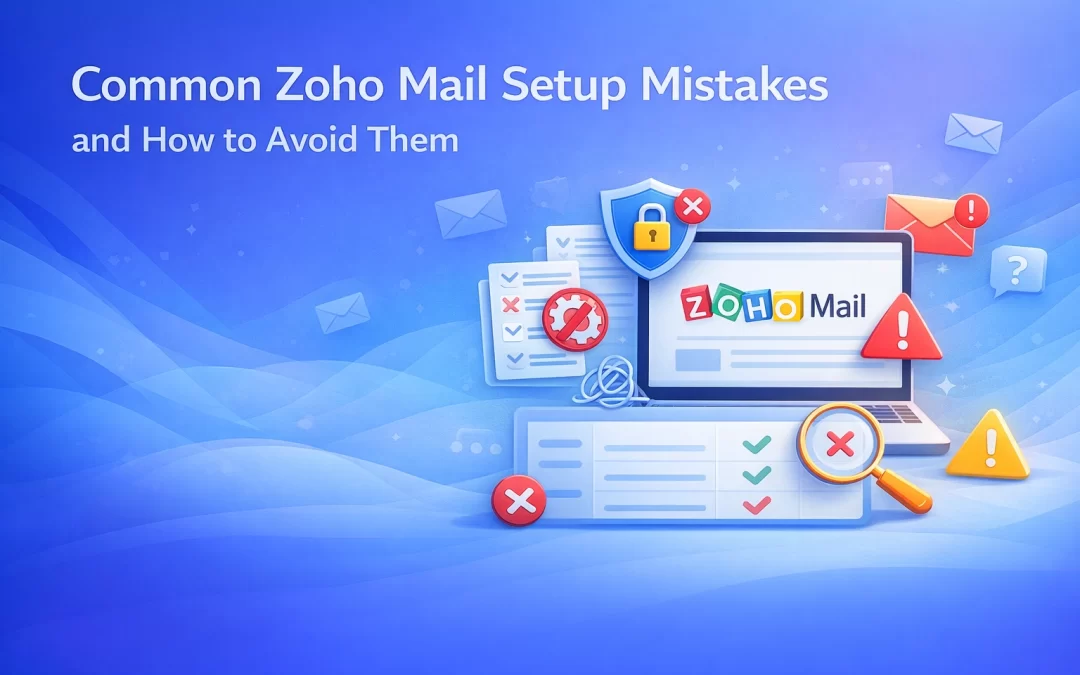
Zoho Mail is one of the most secure and affordable business email platforms available today. However, many businesses don’t get the full benefit of Zoho Mail because of common setup mistakes made during configuration.
These mistakes can lead to email delivery issues, security risks, or poor user experience. In this blog, we’ll cover the most common Zoho Mail setup mistakes and explain how to avoid them for a smooth, professional email system.
1. Incorrect DNS Configuration
The Mistake
Many users add wrong or incomplete DNS records, especially MX records, while setting up Zoho Mail.
The Impact
- Emails not received
- Emails bouncing
- Domain verification failure
✅ How to Avoid
✔ Carefully add Zoho Mail MX records exactly as provided
✔ Remove old email provider MX records
✔ Allow DNS propagation time (up to 24 hours)
👉 WorkspaceKing ensures error-free DNS setup to avoid downtime.
2. Skipping SPF, DKIM, and DMARC Setup
The Mistake
Some businesses start using Zoho Mail without configuring email authentication.
The Impact
- Emails land in spam
- Poor email reputation
- Higher risk of spoofing
✅ How to Avoid
✔ Configure SPF, DKIM, and DMARC records
✔ Test email delivery after setup
✔ Regularly monitor domain reputation
These records help email providers trust your domain.
3. Using Weak Passwords & No 2FA
The Mistake
Users keep simple passwords or skip two-factor authentication.
The Impact
- Account hacking risk
- Data breaches
- Unauthorized access
✅ How to Avoid
✔ Enforce strong password policies
✔ Enable Two-Factor Authentication (2FA) for all users
✔ Educate employees on email security
Security should never be optional.
4. Poor User & Role Management
The Mistake
Giving admin access to too many users or not defining roles properly.
The Impact
- Accidental configuration changes
- Security loopholes
- Management confusion
✅ How to Avoid
✔ Limit admin access
✔ Assign proper user roles
✔ Use Zoho’s centralized admin console
5. No Backup or Email Retention Policy
The Mistake
Assuming emails are automatically backed up forever.
The Impact
- Accidental email deletion
- Data loss during legal or compliance needs
✅ How to Avoid
✔ Enable email retention rules
✔ Use Zoho Mail backup options
✔ Plan for long-term data storage
6. Ignoring Mobile & Desktop App Setup
The Mistake
Users rely only on browser access and ignore official apps.
The Impact
- Poor productivity
- Missed emails
- Slow response times
✅ How to Avoid
✔ Configure Zoho Mail on mobile devices
✔ Use IMAP/ActiveSync properly
✔ Train users for multi-device access
7. No Migration Planning from Old Email
The Mistake
Switching to Zoho Mail without planning email migration.
The Impact
- Lost old emails
- Business disruption
- Confused teams
✅ How to Avoid
✔ Plan migration before switching MX
✔ Use Zoho’s migration tools
✔ Test with sample accounts
WorkspaceKing helps businesses migrate without downtime.
8. Not Using Zoho Mail’s Productivity Features
The Mistake
Using Zoho Mail only as a basic inbox.
The Impact
- Missed productivity benefits
- Inefficient communication
✅ How to Avoid
✔ Use Calendar, Tasks, Notes
✔ Enable Streams for team discussions
✔ Integrate Zoho Mail with Zoho CRM if needed
WorkspaceKing Expert Advice
At WorkspaceKing, we’ve seen that most Zoho Mail issues happen not because of the platform, but because of incorrect setup. Our team helps businesses with:
✔ Proper DNS & security configuration
✔ Zero-downtime email migration
✔ User & admin setup
✔ Best plan selection & discounts
✔ Ongoing support
This ensures your Zoho Mail works securely, smoothly, and professionally from day one.
Final Thoughts
Zoho Mail is a powerful business email solution — but only when it’s set up correctly. Avoiding these common mistakes can save your business from email issues, security risks, and lost productivity.
If you want a stress-free Zoho Mail setup, expert guidance makes all the difference.