
When your business grows, managing email for multiple brands or subsidiaries often means handling more than one domain. A professional and scalable email platform should make this easy — not complicated.
In this article, we’ll explore how Zoho Mail handles multiple domains and why it’s a great choice for growing teams and businesses of all sizes.
What Does “Multiple Domains” Mean?
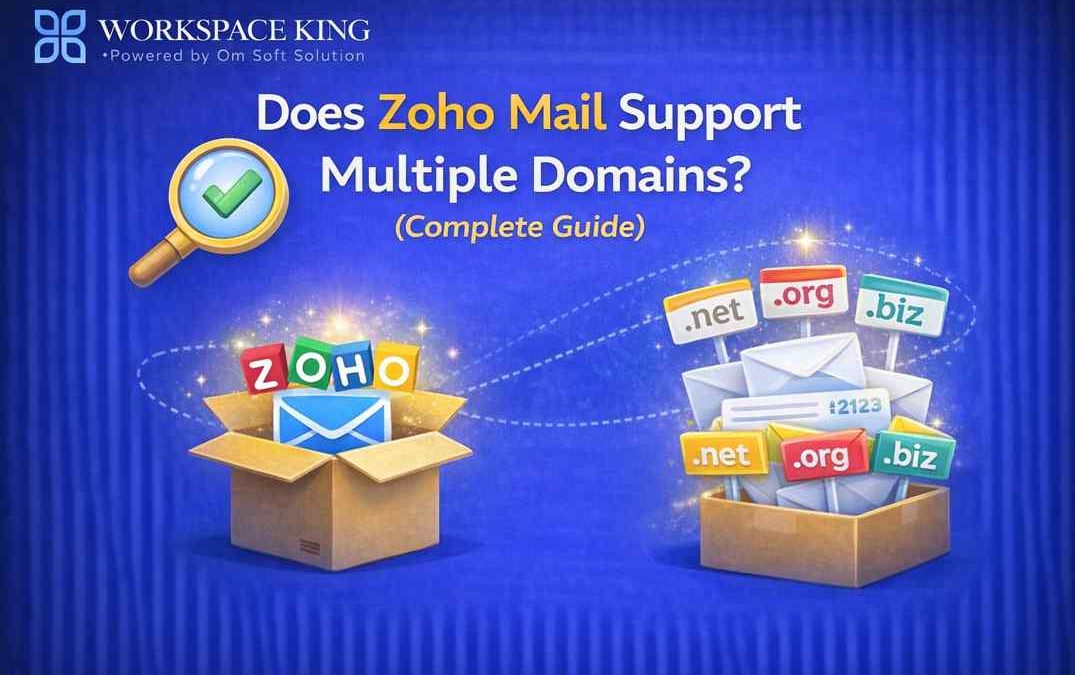
Multiple domains are basically two or more distinct domain names that your business owns and needs email for — like:
Each domain may require its own set of email addresses and team communication workflows.
Yes — Zoho Mail Supports Multiple Domains
The simple answer is: Yes, Zoho Mail supports multiple domains, and it does so in a flexible and business-friendly way.
- This makes Zoho Mail ideal for:
- Businesses with several brands
- Companies with global offices
- Organizations managing different teams or departments
- Agencies handling emails for multiple clients
How Zoho Mail Manages Multiple Domains
1. Add and Verify Multiple Domains
In Zoho Mail Admin Console, you can:
- Add as many domains as your plan allows
- Verify ownership of each domain
- Set up DNS records (MX, SPF, DKIM, etc.) for proper email delivery
This lets you manage users and email settings for each domain independently.
2. Create Users Across Domains
Once your domains are verified, you can:
- Create email accounts for users on different domains
- Assign email addresses like:
This means one Zoho Mail account can support email addresses from many domains under a single dashboard.
3. Domain-Wise Policies & Security
Zoho Mail allows you to apply:
- Different security policies
- Spam filters
- Email retention settings
for each domain separately — so you get tailored control across your business units.
How Many Domains Can You Add?
The exact number depends on your Zoho Mail or Zoho Workplace plan. Paid plans allow multiple domains and larger user counts, while the free plan is generally more limited.
If you need help understanding how many domains your business can add, WorkspaceKing can guide you based on your specific needs.
Benefits of Using Multiple Domains in Zoho Mail
Professional Branding
Each team or brand gets its own domain email — a professional touch that builds trust with clients.
Centralized Email Management
Manage all domains from one Zoho Mail Admin Console — no need to log into separate systems.
Improved Security
Apply domain-specific security policies, two-factor authentication, and access controls for each unit.
Scalability
As your business adds more brands or markets, Zoho Mail grows with you — without complicated migrations.
Why Growing Businesses Prefer Zoho Mail for Multiple Domains
Many fast-growing companies start with a single email domain. But as they expand into new markets, open new departments, or acquire other businesses, they suddenly need email across multiple domains.
Zoho Mail makes this transition smooth. You don’t need separate email servers or accounts for each domain — everything is managed from one powerful and secure platform.
How WorkspaceKing Helps with Multiple Domain Setup
Setting up multiple domains and DNS correctly can be challenging, especially when:
- You’re switching from webmail or shared hosting
- You’re migrating existing email data
- You want to ensure no email loss or downtime
WorkspaceKing helps businesses: Add and verify multiple domains in Zoho Mail Configure DNS (MX, SPF, DKIM, DMARC) Migrate users and mailboxes Apply domain-specific security and policies Train your team for better adoption
We make sure your multi-domain setup is seamless and secure.
Final Thoughts:
Yes — Zoho Mail fully supports multiple domains, giving growing teams the flexibility, control, and scalability they need. Whether you’re a startup with a couple of domains or an enterprise with many brands, Zoho Mail handles it easily.
And if you need expert support, WorkspaceKing is here to ensure your multi-domain email setup is smooth, secure, and optimized for your business.