
Many businesses start with basic webmail hosting because it’s cheap and easy. But as the business grows, common problems begin to appear — poor performance, spam issues, limited storage, weak security, and almost no collaboration tools.
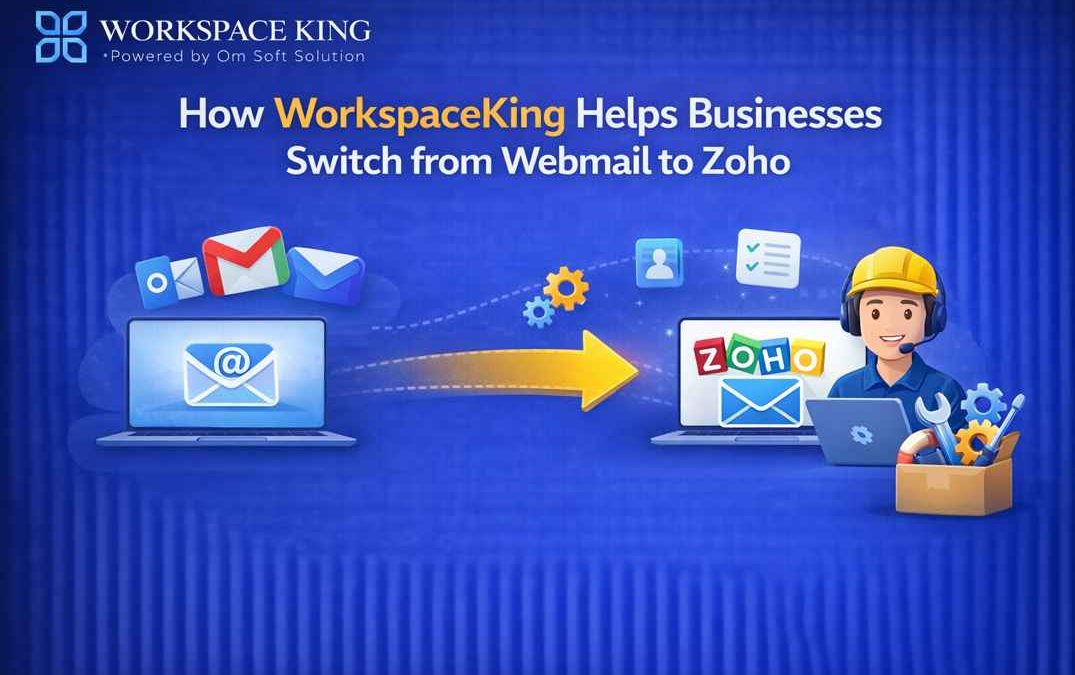
That’s when businesses decide to move to a modern platform like Zoho Mail or Zoho Workplace. However, switching email systems can feel risky and confusing.
This is where WorkspaceKing makes the transition smooth and stress-free.
Why Businesses Move from Webmail to Zoho
Traditional webmail solutions often lack:
- Professional-grade security
- Reliable uptime and performance
- Easy team collaboration
- Scalable storage and admin control
Zoho Mail and Zoho Workplace solve these problems by offering secure business email, cloud storage, team chat, and productivity tools — all in one platform.
At WorkspaceKing, we help businesses upgrade without downtime or data loss.
How WorkspaceKing Simplifies the Switch to Zoho
1. Free Consultation & Requirement Analysis
Every business is different. WorkspaceKing starts by understanding:
- Your current webmail provider
- Number of users and mailboxes
- Storage requirements
- Business goals and growth plans
Based on this, we recommend the right Zoho plan — Zoho Mail or Zoho Workplace.
2. Domain & DNS Configuration
One of the most confusing parts of email migration is DNS setup.
WorkspaceKing handles:
- MX record changes
- SPF, DKIM, and DMARC configuration
- Domain verification in Zoho
This ensures secure email delivery and prevents spam or email failures.
3. Secure Email Migration (Zero Data Loss)
WorkspaceKing manages the complete webmail to Zoho migration, including:
- Old emails
- Folders and labels
- Contacts and calendars
We follow best practices to ensure zero data loss and minimal downtime during the migration.
4. User Setup & Access Management
We take care of:
- Creating user accounts
- Assigning roles and admin access
- Setting storage limits and policies
Your team gets a clean, well-organized Zoho setup from day one.
5. Security & Compliance Setup
WorkspaceKing helps strengthen your email security by enabling:
- Two-factor authentication (2FA)
- Spam and threat protection
- Email retention and compliance policies
This is a major upgrade compared to basic webmail security.
6. Team Training & Onboarding
Switching platforms is easy — using it properly is important.
We provide:
- Basic user training
- Guidance on Zoho Mail, WorkDrive, Cliq, and Meeting
- Best practices for daily business use
This helps teams adapt quickly and work more efficiently.
7. Ongoing Support & Optimization
Our job doesn’t end after migration. WorkspaceKing offers:
- Post-migration support
- Issue resolution
- Upgrade and scaling assistance
As your business grows, your Zoho setup grows with you.
Why Choose WorkspaceKing?
Businesses trust WorkspaceKing because we offer:
- Proven Zoho expertise
- Smooth and secure migrations
- Business-focused approach
- Honest recommendations
- Reliable long-term support
We don’t just migrate emails — we modernize your business communication.
Final Thoughts
Switching from webmail to Zoho is one of the smartest upgrades a growing business can make — but only if it’s done right.
With WorkspaceKing, you get:
- Hassle-free migration
- Professional Zoho setup
- Better security and productivity
- Peace of mind
If you’re ready to move from outdated webmail to Zoho Mail or Zoho Workplace, WorkspaceKing is here to help.