
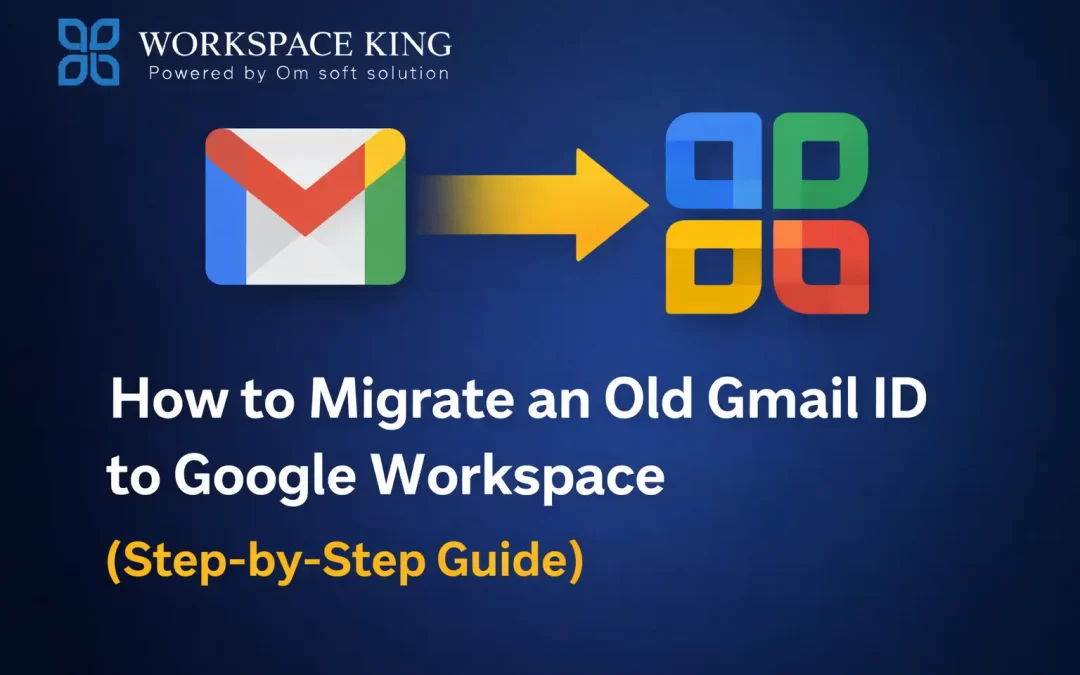
Many businesses start with a free Gmail ID like [email protected].
But as the business grows, this setup starts to look unprofessional and limited.
That’s when most people ask:
👉 Can I move my old Gmail ID to Google Workspace without losing data?
The answer is yes — and in this blog, we’ll explain how it works, what to expect, and the safest way to do it.
Why Migrate from Free Gmail to Google Workspace?
Before understanding the process, let’s look at why migration is important:
- Professional business email ([email protected])
- Better security and admin control
- More storage and collaboration tools
- Business credibility and trust
- Centralized data management
Your old Gmail may work for personal use, but businesses need more control and reliability.
Important Thing to Know (Very Important)
A free Gmail ID cannot be directly converted into a Google Workspace account.
Instead, your data is migrated from Gmail to a new Google Workspace business email.
The good news:
Your emails, contacts, and files can be safely transferred if done correctly.
What Data Can Be Migrated?
During migration, the following data can be moved:
- Emails (Inbox, Sent, Labels)
- Google Drive files
- Contacts
- Calendar events
⚠️ Some third-party app data may need manual setup.
Step-by-Step: How to Migrate Old Gmail to Google Workspace
Step 1: Buy Google Workspace
- Purchase a Google Workspace plan
- Set up your business domain (example: yourcompany.com)
This can be done directly or through an Authorized Reseller.
Step 2: Create a New Business Email
Create a new Workspace user, for example:[email protected]
This will be your official business email going forward.
Step 3: Use Google Data Migration Tool
Google provides a Data Migration Tool inside the Admin Console.
Using this tool, you can:
- Connect your old Gmail account
- Select what data to migrate
- Start migration safely
No emails or files are deleted from the old Gmail account during this process.
Step 4: Verify Migrated Data
Once migration is complete:
- Check emails and folders
- Confirm Drive files
- Review contacts and calendar
After confirmation, you can fully switch to Google Workspace.
Common Mistakes to Avoid
❌ Trying to “convert” Gmail directly (not possible)
❌ Migrating without backup
❌ Incorrect date or folder selection
❌ Doing migration after Workspace expiry
❌ No professional guidance
These mistakes can lead to missing data or downtime.
Why Use Workspace King for Gmail to Workspace Migration?
Workspace King is a Google Authorized Reseller that helps businesses migrate safely without data loss.
Benefits of Choosing Workspace King:
✔ Safe migration of Gmail emails and Drive data
✔ Zero data loss guidance
✔ Proper domain and user setup
✔ Support during and after migration
✔ Ideal for startups and small businesses
Whether you’re moving one Gmail account or multiple users, Workspace King ensures a smooth transition.
After Migration: What’s Next?
- Start using your professional business email
- Inform clients about your new email address
- Keep old Gmail as backup (optional)
- Enjoy better control, security, and support
Conclusion
Migrating from an old Gmail ID to Google Workspace is not complicated, but it must be done correctly.
With the right steps and professional support, you can move all your important data safely and start using a professional business email without interruption.
For a smooth, risk-free migration, Workspace King is a trusted partner you can rely on.
Need Help Migrating Gmail to Google Workspace?
Workspace King – Google Authorized Reseller
Services: Migration | Renewal | Upgrade | Support